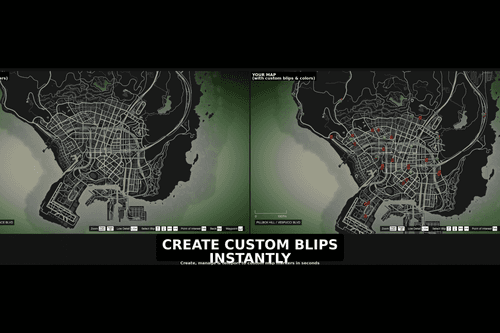
Coming soon
Free and paid GTA 6 UI and menu mods - minimalist HUD overhauls, reskins for the square and circle minimap, weapon-wheel mods, custom pause-menu themes, notification mods, clean reticle and crosshair mods, custom phone skins, kill-feed and scoreboard mods, plus Rockstar Editor HUD replacements. Cleaner, customizable interfaces for cinematic video creators, hardcore gamers and players who just want less in-game stuff getting in the way.
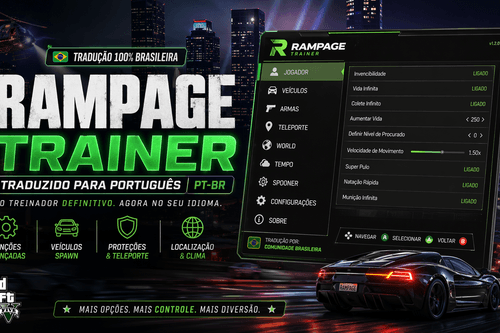
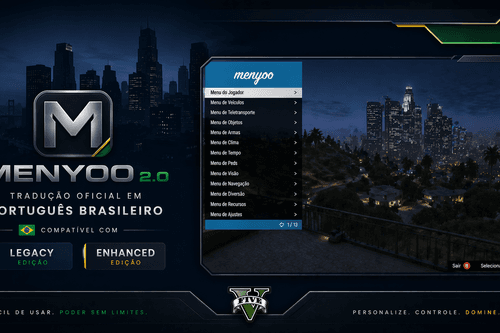
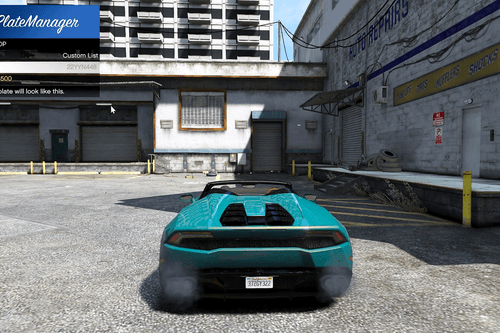
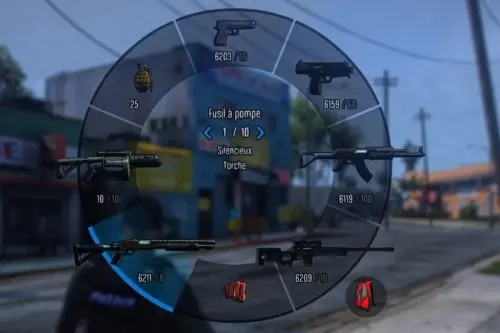
UI mods typically overhaul or remove parts of the game's on-screen elements - HUD (health, minimap, weapon wheel), pause menu, inventory, in-game notifications. UI mods are commonly used by streamers who wish to have a cleaner look to their video feed, often in conjunction with a ReShade preset for cinematic color grading.
Popular UI mods include simple reticle replacements, sleeker health/armor bars, custom minimap styles (square vs round, custom colors), FPS-competitive HUDs with nothing to distract you, and cinematic HUD hiders for machinima.
UI mods are generally low-file-size and take seconds to install through a file browser tool. Most are free because the UI system is easier to edit than vehicle models or scripts. Follow the step-by-step install guide for instructions on the .ytd / .ymt files.
UI mods alter the on-screen user interface - HUD, minimap, pause menus, inventory screens, and notification pop-ups. Check out our best GTA 6 mods for a list of the best minimal HUD mods handpicked by the editor.
Yes. HUD modifications allow you to change the shape of your minimap, move your health/armor bars around, hide notifications, change the weapon wheel and other things. Most HUD mods are fully customizable.
UI mods are some of the safest mods out there - they don't alter any gameplay logic, so they almost never cause crashes. You should still never use them in GTA Online.
Very seldom. UI mods overwrite different parts of UI files, so they will never conflict unless two UI mods are trying to change the same things. Install one HUD mod at a time. If two mods conflict, post in the Compatibility & Conflicts forum.
Yes - you need a file browser app and a basic knowledge of XML / texture editing. UI editing is where many novice modders start because the files themselves are very easy to understand.
Step-by-step setup, install requirements and crash fixes - applies to all paid and free mods on this page.
Editor picks from every category - who's winning this week.
Take-Two's guidelines explained - what you can do, what will get you banned.
Reviews, WIPs, recommendations and creator discussion - join in!