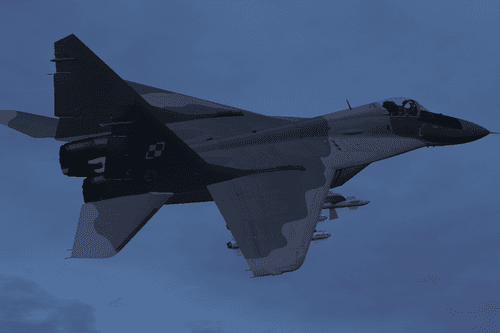
Coming soon
Free and paid GTA 6 texture mods and ReShade presets of all kinds - 4K and 8K texture packs, photorealistic graphics mods (NaturalVision-style and similar), HD road & vegetation textures, lighting/weather adjustments, PBR material upgrades, custom skybox replacements, post-processing presets (filmic, anime/cel-shaded, noir) as well as entire visual stack overhauls. If you create cinematic content or machinima, or just want to improve the graphics, this is the category for you.
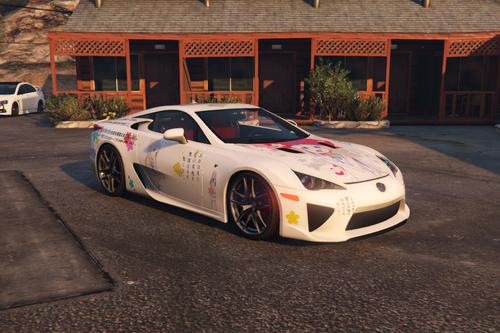
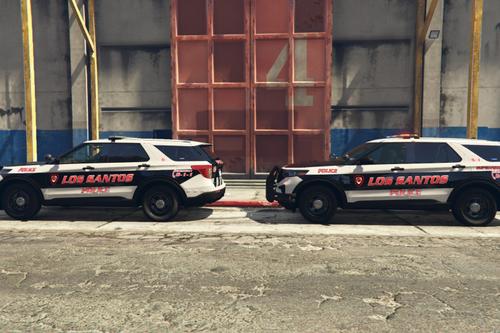
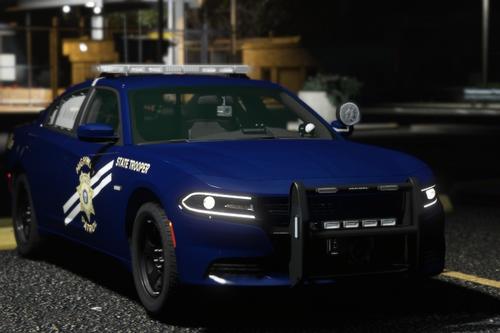
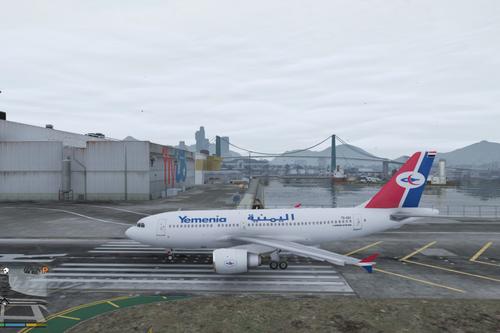
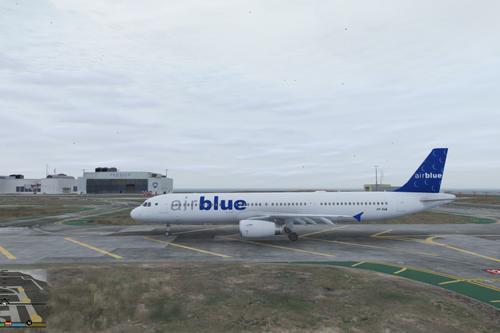
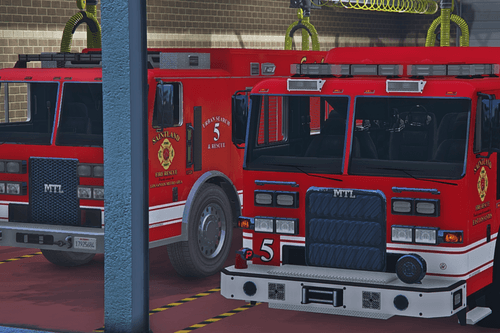
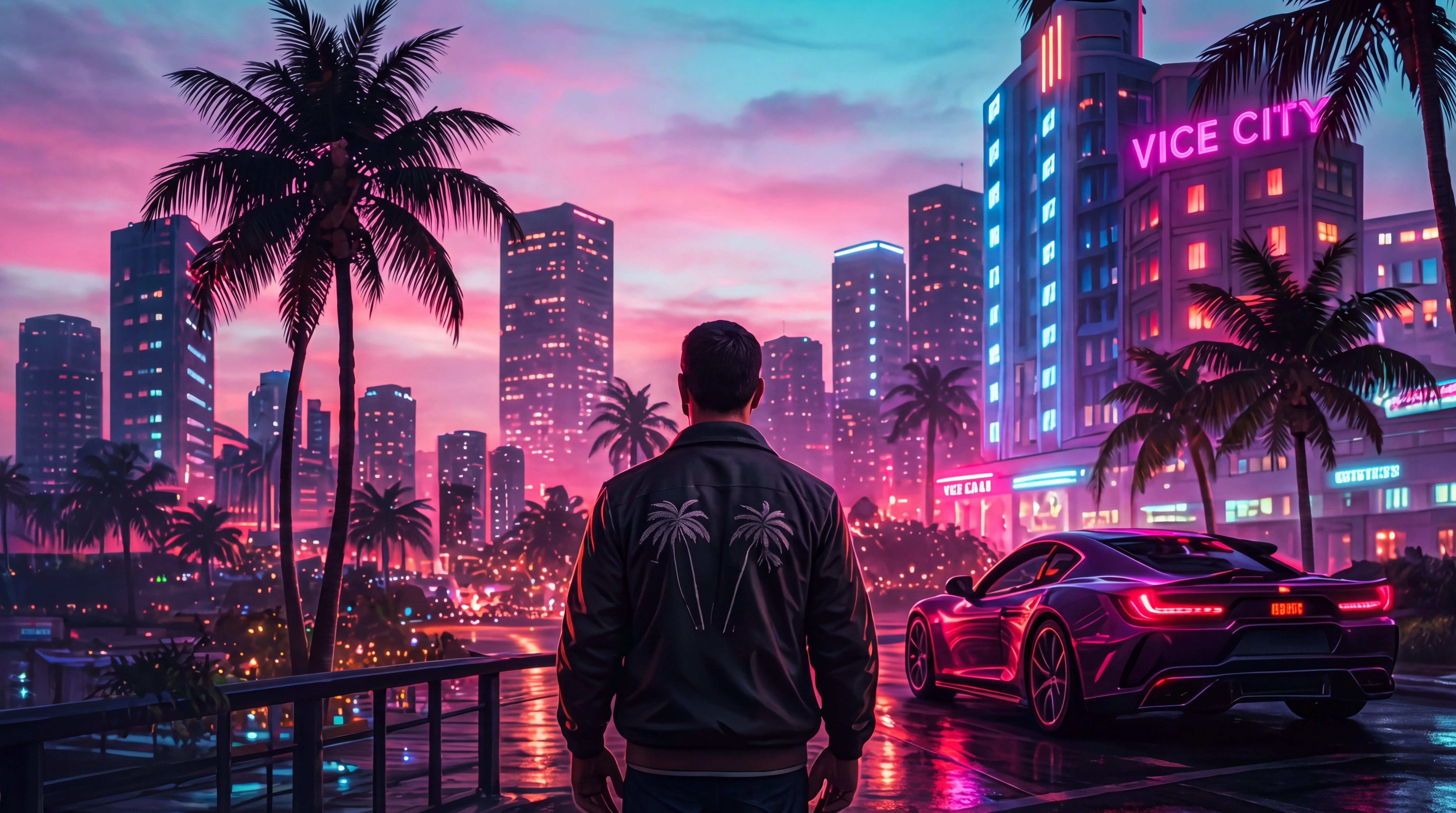
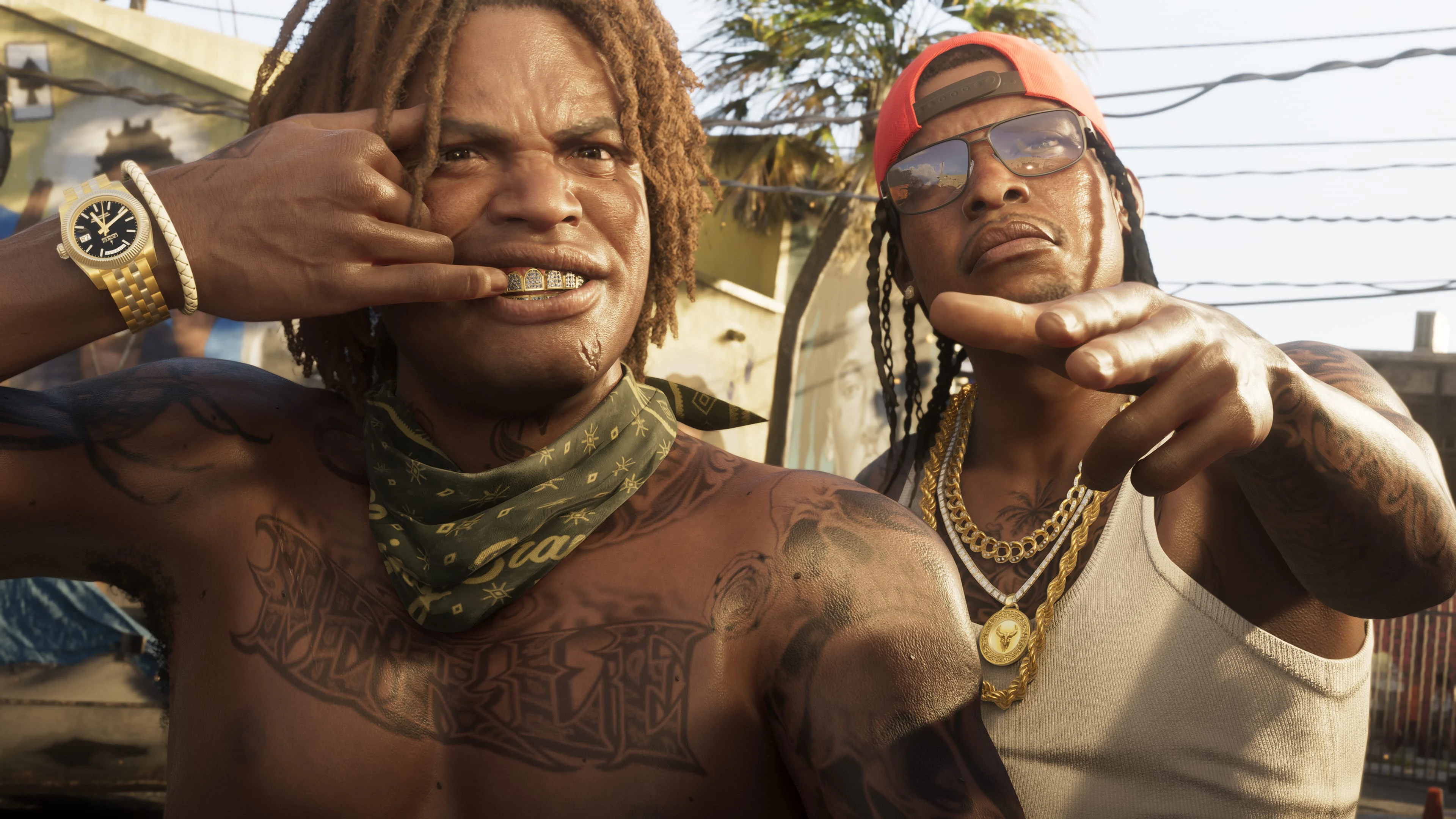
Texture mods change the appearance of GTA 6 without altering gameplay elements. Texture replacements increase the resolution of all textures in-game - roads, buildings, foliage, character skins, vehicles and more - to 4K or even 8K. They are popular with photo-mode photographers and streamers looking to capture cinematic shots.
Another related category is ReShade presets - post-processing effects that add tone-mapping, color grading, volumetric fog, depth-of-field and more on top of the game. ReShade presets are different from texture mods in that they affect everything and don't overwrite specific files. The step-by-step install guide covers both ReShade and RPF-style texture installations.
The best GTA 6 texture packs are optimized to run smoothly on mid-tier rigs. 4K surface replacements use up a lot of VRAM, so make sure your GPU has enough capacity for bulky texture packs before installing them - and consider using a memory extender to stack multiple 4K packs together.
Texture mods upgrade the game's textures with higher resolution versions. They have no impact on gameplay - only on appearance.
4K texture packs require at least 8 GB of VRAM and a mid- to high-end GPU to run smoothly. Mods utilizing 8K textures can require 12+ GB VRAM and cutting-edge hardware.
First install ReShade, then drop the preset's .ini file into ReShade's presets directory. Hit the ReShade hotkey in-game and choose your preset. Need help? Ask for it in the Installation Help forum and someone will get back to you shortly.
Yes, but they can conflict with each other if two mods replace the same textures. Install one, test, then install the next. It helps to keep a list of your load order. If two texture packs clash, check the Compatibility & Conflicts forum.
Expect a slight FPS loss with large texture packs as they use up more VRAM. FPS reduction from using ReShade presets can range from 10-30% depending on what effects are turned on.
Step-by-step setup, install requirements and crash fixes - applies to all paid and free mods on this page.
Editor picks from every category - who's winning this week.
Take-Two's guidelines explained - what you can do, what will get you banned.
Reviews, WIPs, recommendations and creator discussion - join in!