Coming soon
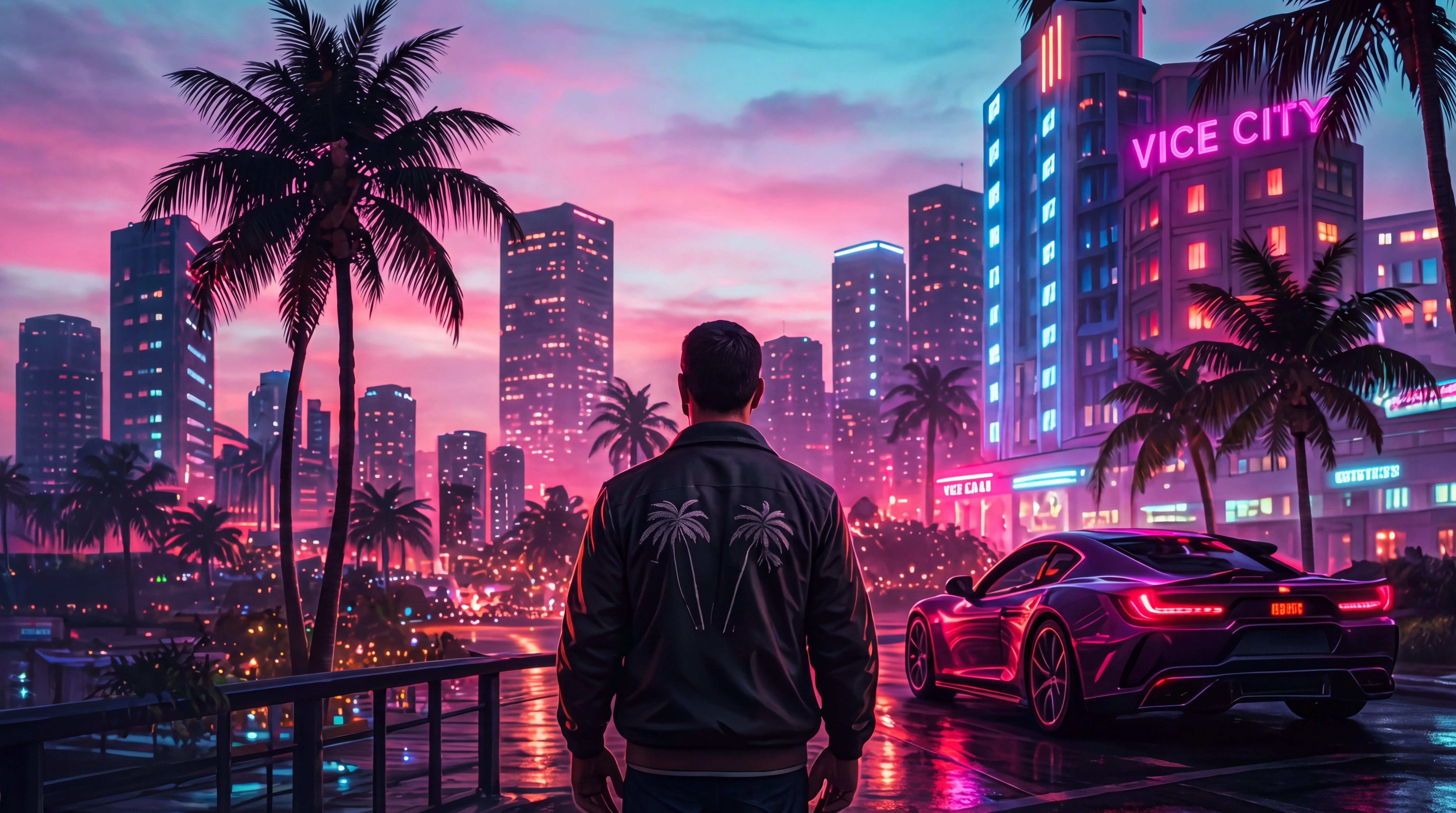
Free and paid GTA 6 texture mods and ReShade presets - 4K and 8K texture packs, photorealistic graphics overhauls (NaturalVision-style and similar), HD road and vegetation textures, lighting and weather tweaks, PBR material upgrades, custom skybox replacements, post-processing presets (filmic, anime cel-shaded, noir) and full visual stack overhauls. The category for cinematic content creators, machinima makers and graphics enthusiasts.
Texture mods transform how GTA 6 looks without touching gameplay. High-resolution replacements upgrade every surface - roads, buildings, vegetation, character skins, vehicles - to 4K or even 8K. Photo-mode shooters and streamers use these extensively for cinematic footage.
ReShade presets are a related category - post-processing effects that apply tone-mapping, color grading, volumetric fog and depth-of-field on top of the game. Unlike texture mods, ReShade presets apply universally and don't replace individual files. The step-by-step install guide walks through both ReShade and RPF-style texture installs.
The best GTA 6 texture packs are optimized to run on mid-range hardware. 4K surface replacements consume significant VRAM, so check your GPU's capacity before installing massive texture bundles - and use a memory extender if you plan to stack multiple 4K packs.
Texture mods replace the game's surface textures with higher-resolution versions. They don't change gameplay - just visual fidelity.
4K texture packs need at least 8 GB of VRAM and a mid-to-high-end GPU for smooth performance. 8K texture mods can require 12+ GB VRAM and cutting-edge hardware.
Install the ReShade framework first, then copy the preset's .ini file to the framework's presets folder. In-game, press the ReShade hotkey and select your preset. Stuck? Post in the Installation Help forum for fast community help.
Yes, but they can conflict if two mods replace the same textures. Install one at a time, test, and keep a load-order list. See the Compatibility & Conflicts forum when two texture packs clash.
Slight FPS drop is common with heavy texture packs due to increased VRAM usage. ReShade presets can drop FPS by 10-30% depending on effects enabled.
Step-by-step setup, prerequisites and crash fixes - works for every paid & free mod here.
Editor-curated picks across every category - see who's on top this week.
Take-Two's policy explained - what's allowed, what gets you banned.
Reviews, work-in-progress, recommendations and creator chatter - join the conversation.