How to Install Mods in GTA 6 (Step by Step)
Complete beginner guide to installing your first GTA 6 mod - from setting up OpenIV to verifying the install works.
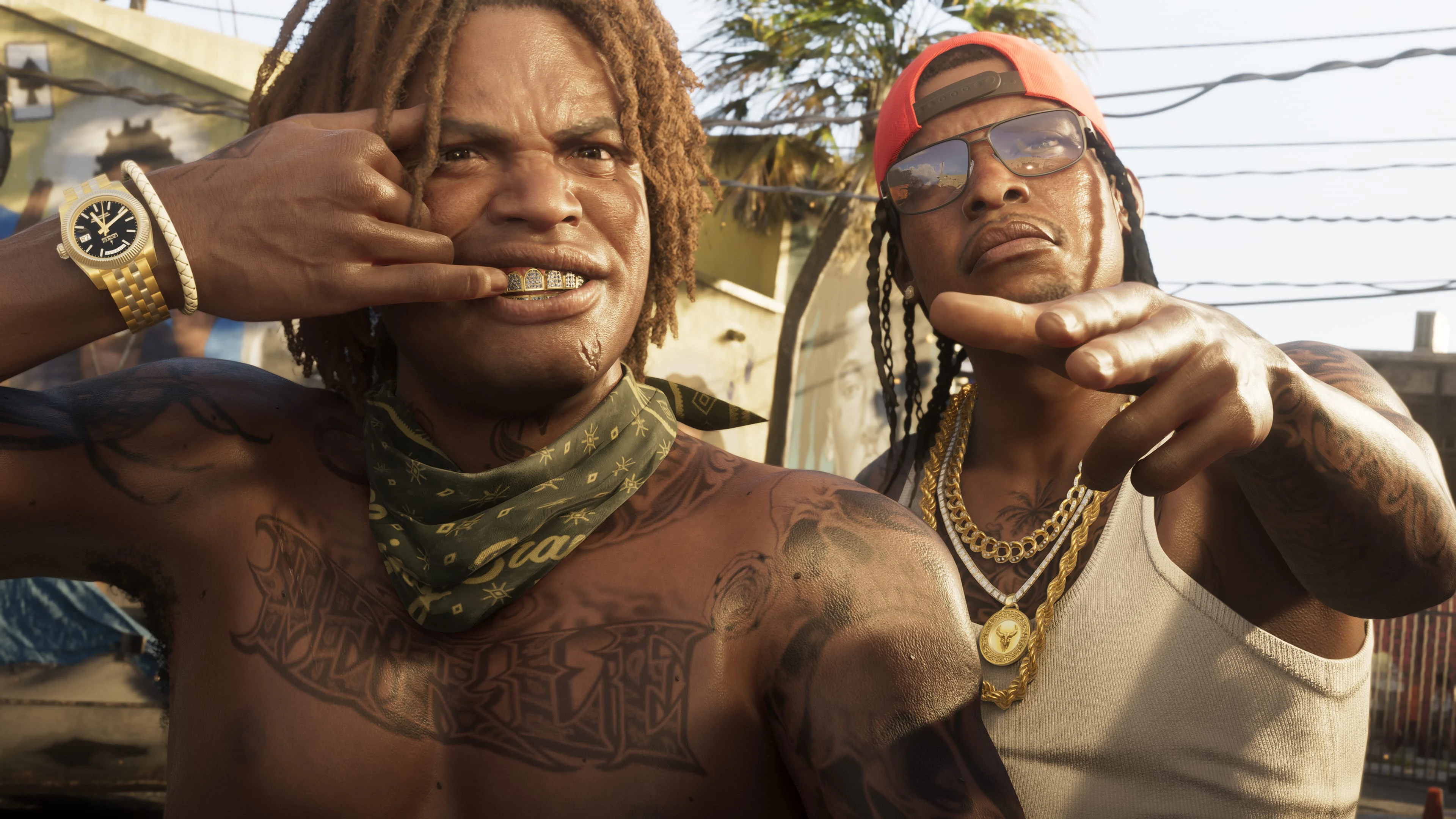
Installing mods in GTA 6 takes five steps: back up your files, install Rage Script Hook, install OpenIV, place the mod files, and verify the install. The full landing page at How to Install GTA 6 Mods walks every mod type with exact paths.
1. Back up your game folder
Always back up your game folder before installing your first mod. Mod conflicts or corrupted installs can brick the game - a backup saves you hours of reinstalling. Copy the entire GTA 6 install directory to a separate location before touching anything.
2. Install the prerequisites
Most mods need at least one of two tools: Rage Script Hook (loads C# / Lua scripts into the running game) and OpenIV (browses and edits RPF archives). Both are free and live in the Tools category. If you plan to stack heavy mod packs, also grab HeapAdjuster 600 - it extends the memory heap so the game stops OOM-crashing on load.
3. Drop the files in the right place
For script mods, drop the .asi and .dll files directly into your GTA 6 install root - not a subfolder. For texture mods and vehicle replacements, use OpenIV's *Edit Mode* to swap files inside the RPF archives. Add-on vehicles need a dlclist.xml entry - see the vehicle install walkthrough for the exact path.
4. Stay offline the first time
Launch GTA 6 offline the first time after installing a mod. Never load custom mods while connected to GTA Online - it triggers Rockstar's anti-cheat and results in an account ban. The full policy lives on Is GTA 6 modding legal?.
Stuck?
If something breaks, work through Fixing Common Modding Issues first. Still stuck? Post in the Installation Help forum or hit the Support center - the long tail of edge cases is well documented.
Keep modding
Browse every mod in our marketplace, or check out the next guide.
Related resources
More guides and community help.
How to install GTA 6 mods
Step-by-step setup, prerequisites and crash fixes for every paid & free mod.
Best GTA 6 mods of 2026
Editor-curated picks across vehicles, maps, scripts, textures and more.
All GTA 6 mod categories
Vehicles, maps, scripts, textures, audio, weapons, tools and more.
Community forums
22 forums for help, showcases, contests and creator chatter.